
Time-off reports and balances
Filter, export, and print time-off records while reviewing policy balances and request history.
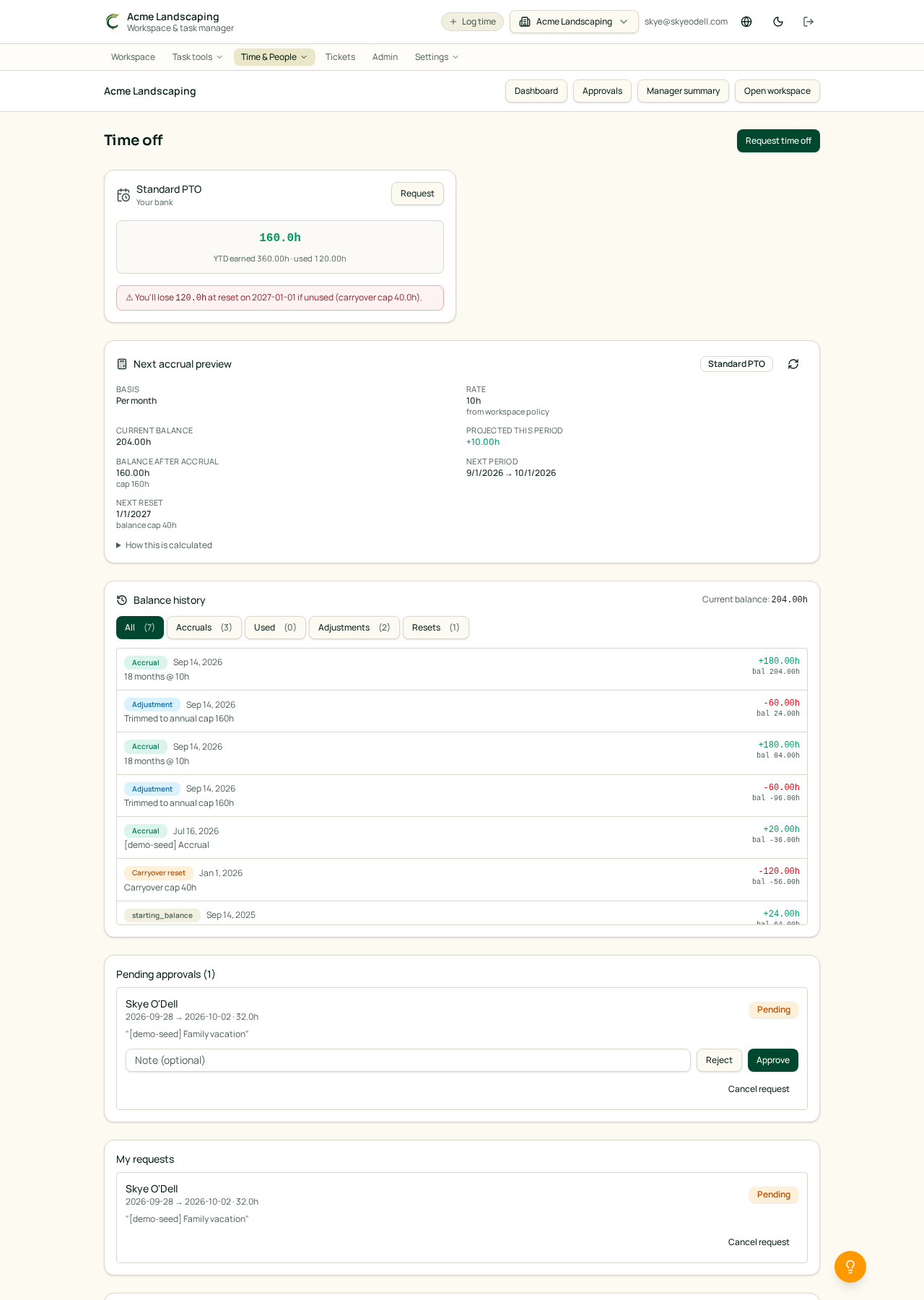
Open the time-off report
Owners and Managers can open Time & People, choose Time off, and then select Time-off report. The report stays inside the active workspace.
Use the filters to narrow the report by person, policy, request status, or date range. Clear the filters to return to the complete workspace view.
Export or print
- Select Export CSV to download the filtered rows for a spreadsheet.
- Select Print for a clean report designed for printing or saving as a PDF.
- The report includes the request dates, amount, policy, status, and person shown by the current filters.
Review balances and requests
The Time off area shows policy balances and request history alongside the request form. Owners and Managers can review requests from the approval area, then approve or reject them.
Approved paid time off is also included in the member's timesheet and timesheet PDF. Individual profiles display an Overview, Time off, and accruals according to the policies and routing assigned to them.
See also: Requesting time off · Approving time off requests · Setting up time-off policies and accruals.