People profiles and manager access
Use profile tabs to review a person’s work, HR records, tasks, and manager-controlled workspace access.
Open a person profile
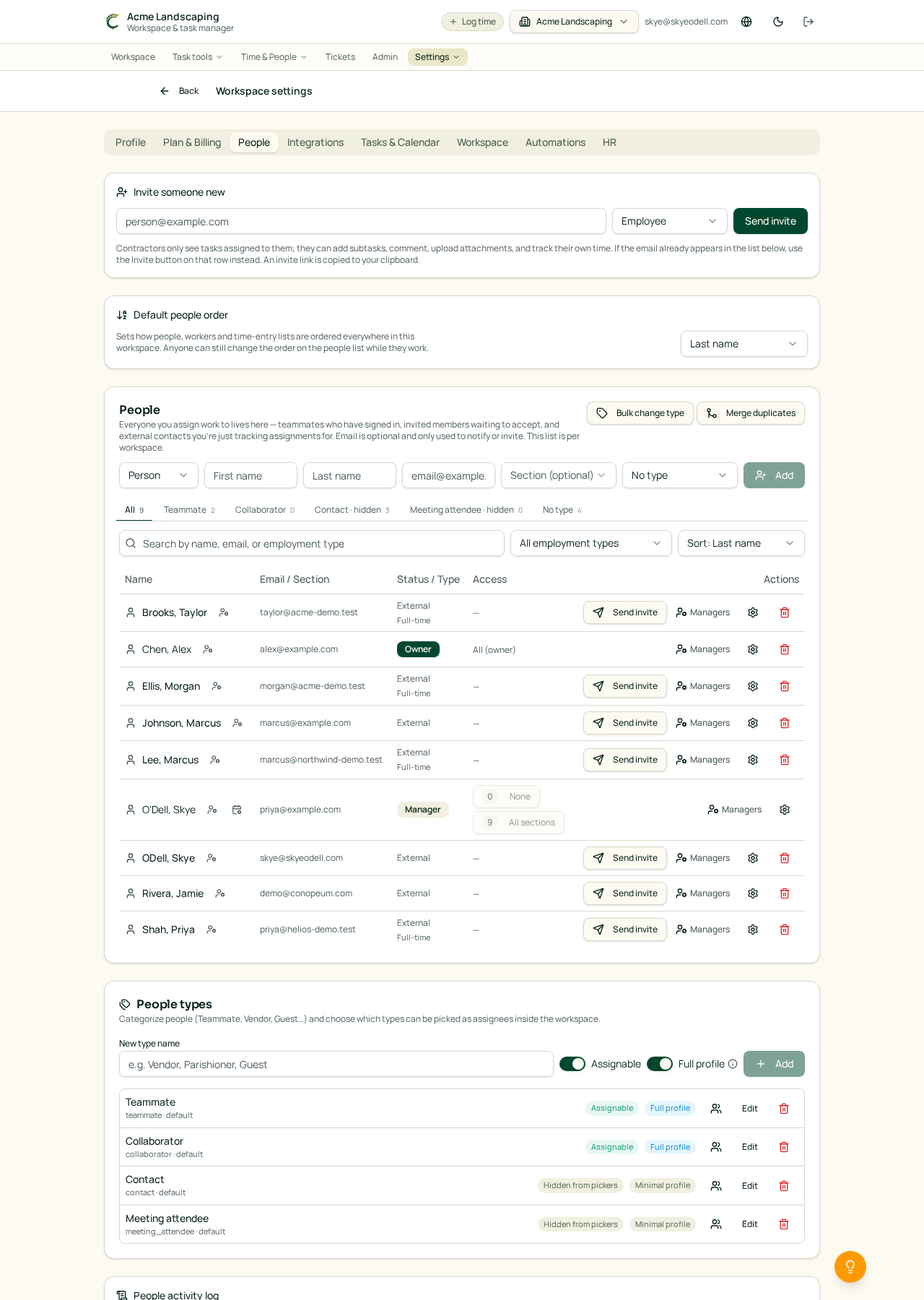
Open Time & People, then People, and select a person's name. Profiles keep one person's workspace information together.
Depending on enabled features and your access, a profile can show:
- Overview for identity, contact, employment, and job information.
- Time off for requests, policy balances, and history.
- Timesheets for the person's time records and submissions.
- Tasks for work assigned to or associated with the person.
- Manager for leader-only controls.
Tabs only appear when the workspace feature and the person's profile capabilities allow them.
Manager controls
Owners and Managers can use the Manager tab when authorized. These controls can include workspace permissions and customer assignments. Ordinary members cannot see leader-only controls.
Organization chart links
When the organization chart is enabled, chart cards can link directly to profiles. Primary and secondary manager relationships, job titles, groups, unplaced people, and chart exclusions are maintained from the organization chart tools.
See also: Build and print your organization chart · Workspace Members and Roles.