Workspace Members and Roles
Learn how to manage your team in Conopeum using workspace members and roles to collaborate on tasks and inboxes, manage HR profiles, and track time.
Overview
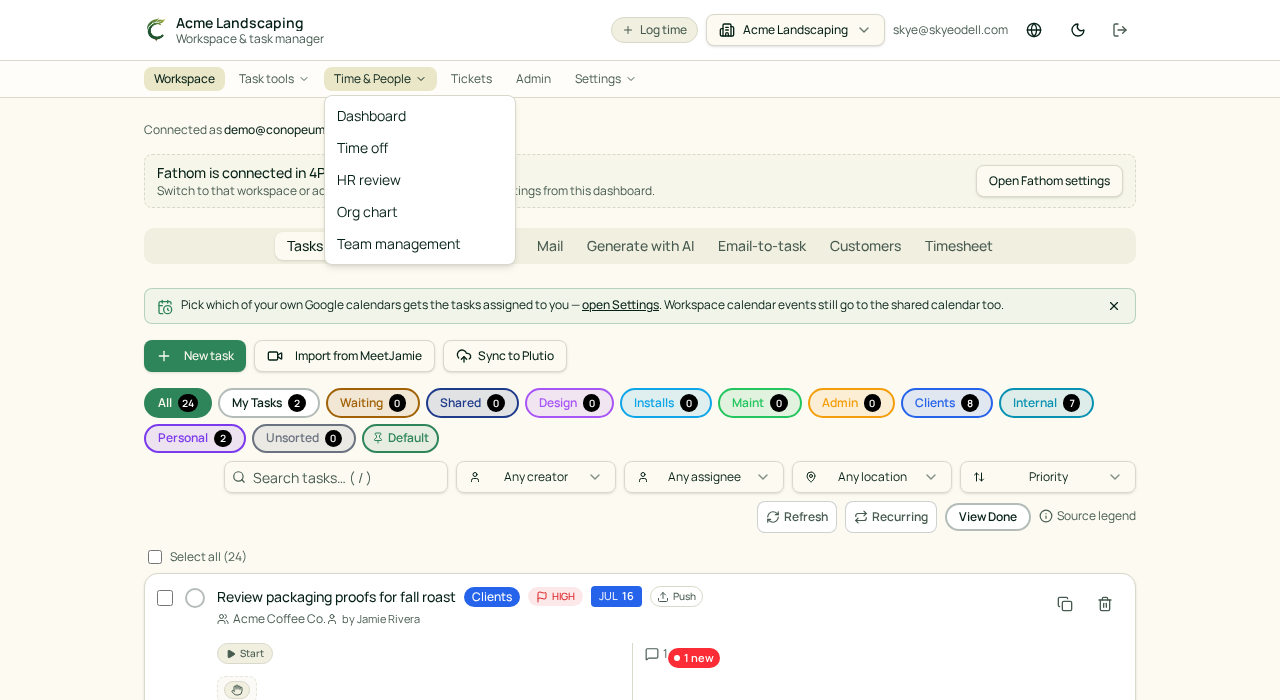
Conopeum is built for teams. Every workspace has members and roles that control access to your shared tasks, sections, and integrated tools. The grouped top navigation separates your work into Workspace, Task tools, Time & People, Tickets, Admin, and Settings. Items appear only when allowed by role and enabled features.
Managing Members
Within your workspace, you can manage the people you work with to ensure everyone has the appropriate level of access. Person profiles show an Overview, Time off, Timesheets, and Tasks. Manager-only controls appear on these profiles when applicable.
- Workspace Members: Members can collaborate on tasks turned from Gmail threads, assign work, and track time. Employees can delete and restore tasks they created (held in Trash for 30 days), while Owners and Managers retain a broader workspace scope for deletion.
- Roles: Roles define what a member can manage within the workspace, such as sections, integrations, or billing. Owners have the unique ability to disable sections workspace-wide without deleting stored data and can require completion reasons for tasks.
Core Responsibilities
Members of a Conopeum workspace can participate in the following activities:
- Task Management: Turn Gmail threads into tasks, assign them to teammates, and track progress. Google Tasks serves as the source of truth, while Conopeum layers on assignments, sections, and time.
- Section Access: View and manage tasks within sections that mirror pipelines. If the Tickets dashboard is enabled, Owners and Managers can track individual tasks as tickets.
- Customer Collaboration: Work with auto-created customer profiles. Missing fields like name or phone are backfilled from new submissions using case-insensitive email matching to prevent duplicates.
- Time Tracking: Log time and sync entries to Plutio. Time categories are resolved in order: customer, then section, then workspace default.
- HR and Org Chart: View the printable organization chart which includes primary and secondary managers, groups, job titles, and profile links.
Inviting Teammates
To add a new member to your workspace:
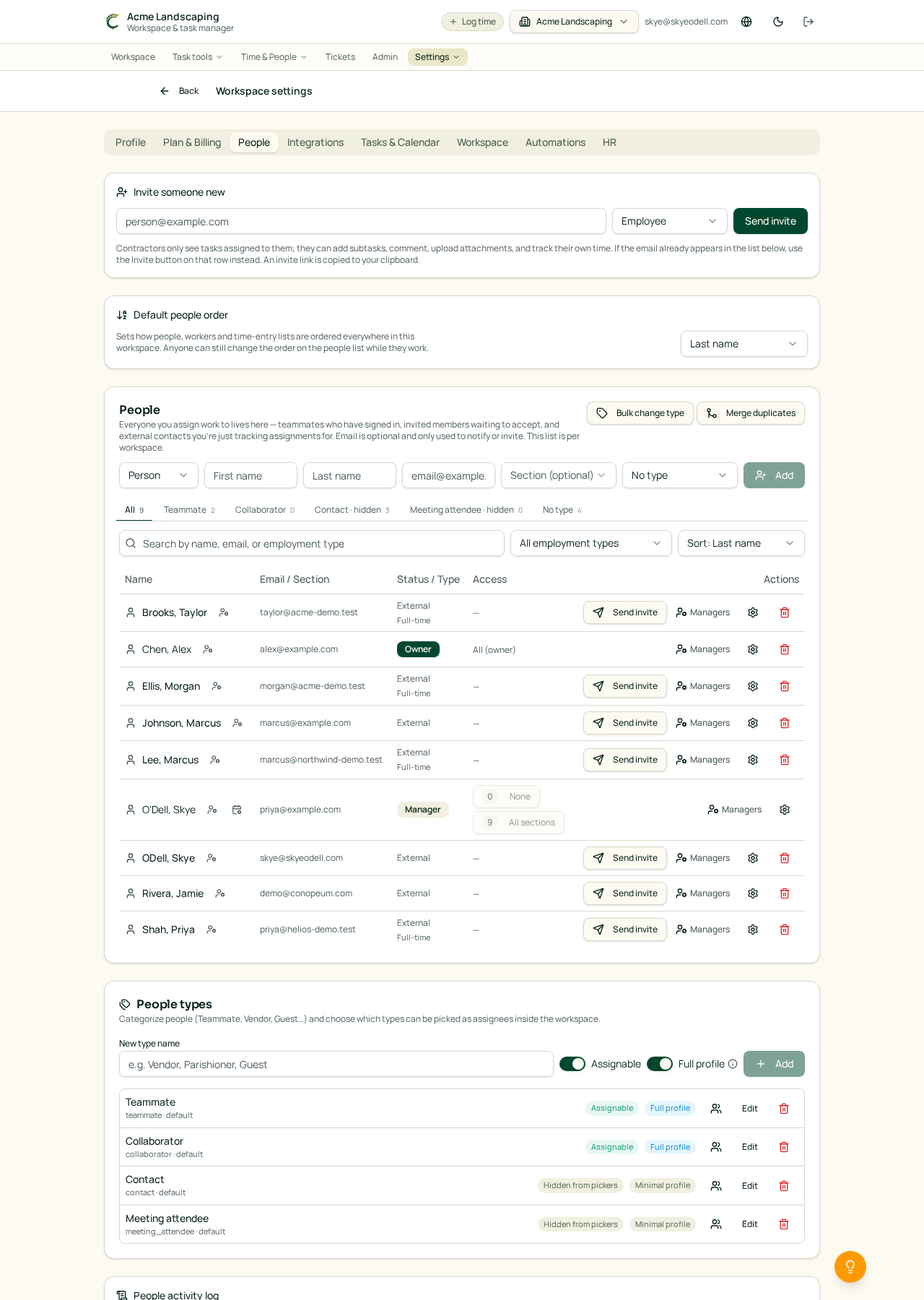
- Navigate to your workspace settings.
- Use the invite feature to send an invitation to their Google Workspace email.
- Assign a role to define their access level within the team.
By organizing your team in Conopeum, you ensure that every Gmail thread is accounted for and every task has a clear owner.