
Fathom integration
Learn how Conopeum automatically converts Fathom meeting notes into actionable tasks within your Google Workspace.
Overview
The Fathom integration automatically converts your Fathom meeting notes into Conopeum tasks. Once connected, your meeting summaries and follow-ups bridge the gap between calls and your inbox without manual effort.
See also: Turn an email into a task, Managing customers.
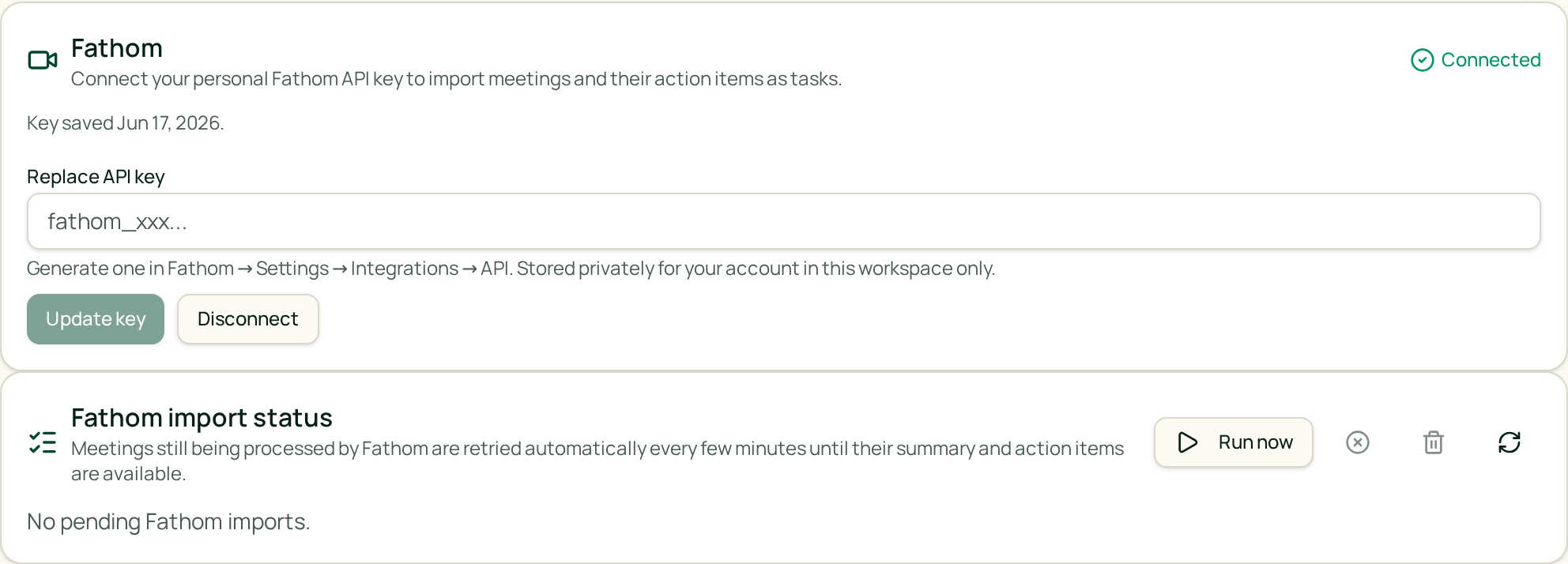
Connect Fathom
Conopeum integrates with Fathom at the workspace level to streamline your workflow.
1. Enable the integration. Use the Settings menu to authorize the Fathom connection.
2. Configure your workspace. Once linked, Conopeum monitors for new Fathom meeting notes to generate tasks automatically.
Automatic Task Creation
Unlike manual project tools, Conopeum utilizes the Fathom integration to keep your team synced:
- Automatic conversion: Meetings are turned into tasks as soon as the notes are finalized in Fathom.
- Content mapping: Fathom meeting notes populate the task details, ensuring every action item is captured in your workflow.
If you have multiple Google accounts connected through Conopeum, tasks are organized according to your workspace settings, using Google Tasks as the source of truth.
Disconnect Fathom
Go to the Settings menu and select Fathom to disconnect. Tasks already created from Fathom meetings will remain in your workspace; only the automatic creation of new tasks will cease.
Troubleshooting
- Notes not appearing: Ensure the meeting was recorded and processed fully within Fathom. Conopeum pulls the notes once Fathom completes the meeting summary.
- Task location: Verify that you are looking at the correct workspace. Because Conopeum supports multiple Gmail accounts, ensure you are viewing the Workspace where the integration was enabled.