
Date tokens in scheduled emails
Use tokens like {{today+1}} or {{period.end}} in subjects and bodies, and add modifiers so weekend dates land on a business day.
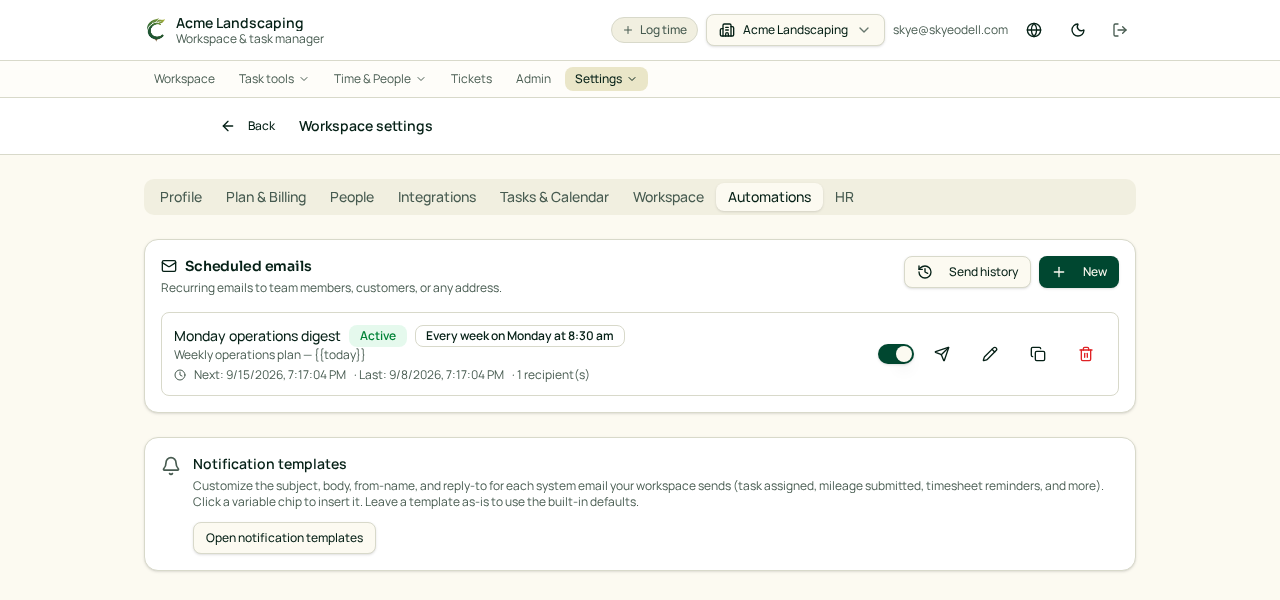
Scheduled emails can insert live dates into the subject and body. Type a token and Conopeum fills in the real date when the email sends. The Live preview in the editor shows exactly what recipients will see.
Common date tokens
{{today}}— the day the email sends{{tomorrow}}/{{yesterday}}{{today+N}}/{{today-N}}— send day shifted by N days, e.g.{{today+7}}{{next.tuesday}}— next occurrence of that weekday after the send day (monday…sunday){{this.tuesday}}— that weekday in the current send week (today counts){{period.start}}/{{period.end}}— the most recently completed semi-monthly pay period, using this schedule's anchor days (handles 28/29/30/31 automatically){{task.due}}— the linked task's due date
Making a date land on a weekday
Deadlines that fall on a Saturday or Sunday read badly ("by the end of the day Sunday"). Add a modifier after a colon to roll the date onto a business day:
:nextweekday— always rolls forward: Saturday and Sunday become Monday. Use this for deadlines, so you never ask for something earlier than intended.:prevweekday— always rolls back: Saturday and Sunday become Friday.:weekday— rolls to the nearest weekday: Sunday becomes Monday, Saturday becomes Friday.
Weekdays are never changed, so the modifier is safe to leave in place year-round.
Example — a timesheet reminder that always names a business day:
`` Please submit your timesheet for {{period.start:noday}} - {{period.end:noday}} by the end of the day {{today+1:nextweekday}}. ``
If that email sends on a Saturday, the deadline renders as Monday, August 3, 2026 instead of Sunday.
Dropping the weekday name
Add :noday to render "August 3, 2026" instead of "Monday, August 3, 2026".
Combining modifiers
Chain modifiers with a dot, in any order:
{{period.end:weekday.noday}}— roll to the nearest weekday and hide the weekday name{{today+1:nextweekday.noday}}
Where to edit
Go to Scheduled emails, open a schedule, and edit the subject or body. Expand Available tokens under the live preview for the full list, including any custom variables you have defined for that schedule. Use Send test email to confirm the wording before the next scheduled run.