Recurring tasks and task templates
Create repeatable work, manage schedules, and reuse task checklists and details.
Recurring tasks
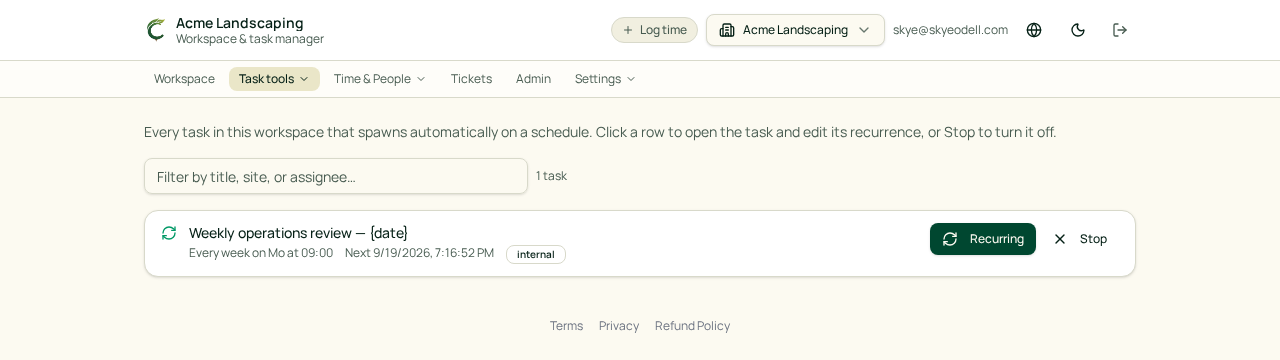
Open Task tools → Recurring tasks to see every repeating task in the workspace. You can search the list, edit a schedule, or stop future copies. Existing task copies are not deleted when a schedule stops.
Schedules can run daily, weekly, monthly, semi-monthly, or on an nth weekday. Dates use the workspace timezone.
Task templates
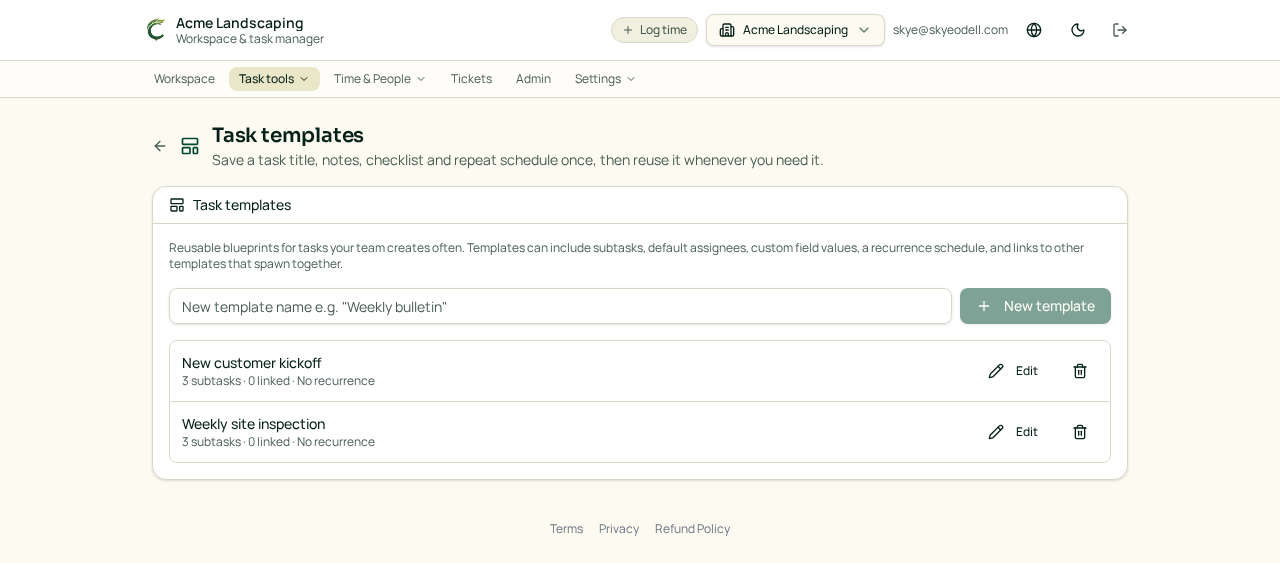
Open Task tools → Task templates to reuse a standard task setup. A template can include:
- Title and notes
- Section and priority
- Due-date offset
- Default assignees
- Checklist items
- Links
- An optional repeat schedule
Owners and Managers can edit templates. Other members can view and use them.
Title variables
Recurring tasks and templates can fill dates into each new task title. Available variables include {date}, {longdate}, {weekday}, {month}, {day}, {year}, and {week}. Variables are not case-sensitive and are resolved when the new task is created.