
Managing Tasks and Social Drafts in Conopeum
Learn how to manage tasks within your Google Workspace inbox and use the MyMarky integration to create social media drafts.
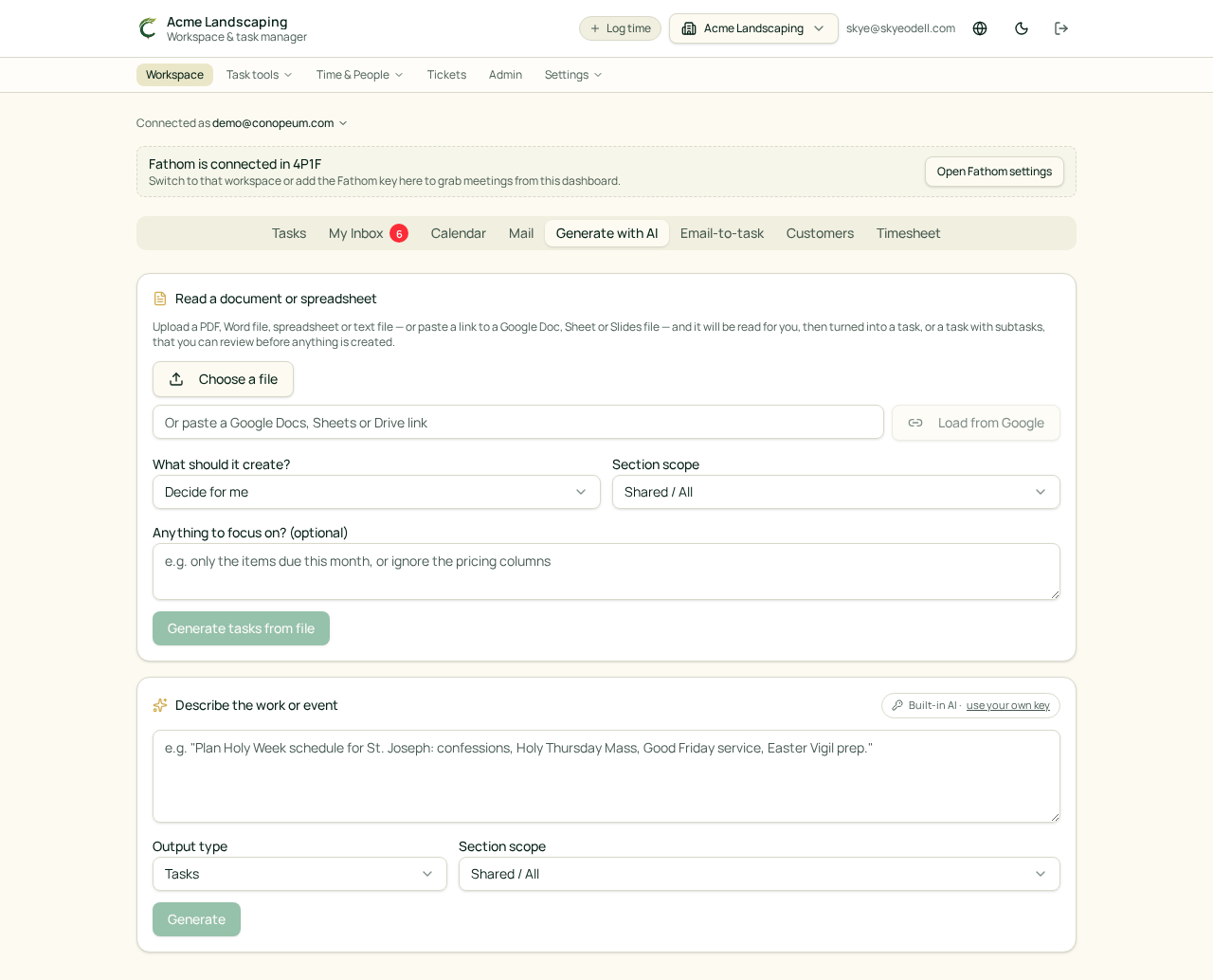
Overview
Conopeum allows you to turn Gmail threads into tasks, assign them to team members, and track progress without leaving your inbox. By using Google Tasks as the source of truth, Conopeum layers on advanced features like sections, time tracking, and professional integrations.
Managing Tasks
When you receive an email, you can convert the thread into a task. Conopeum automatically creates customers from inbound emails using case and whitespace insensitive matching (trim + lowercase) to prevent duplicates.
If a matching customer is found, Conopeum backfills missing fields such as name, phone, or organization from the new submission. If you have multiple threads from the same person regarding the same issue, you can use the ticket merging feature to combine them into one single task.
MyMarky Integration
You can send any task to MyMarky to create a draft social post. When you utilize the MyMarky add-on:
- Task image or video attachments are automatically uploaded to the Marky media library.
- A comment is added back to the source task containing an "Open in MyMarky" link for easy access.
Related Features
- Canva add-on: Create designs or open brand templates from a task. Exported PNG, JPG, or PDF files sync to Google Drive and link back to the source task.
- Plutio integration: Sync customers, tasks, comments, and time entries between platforms. Time tracking supports Plutio categories resolved by customer, section, or workspace default.
- Fathom: Automatically convert your meeting notes into actionable tasks within your workspace.